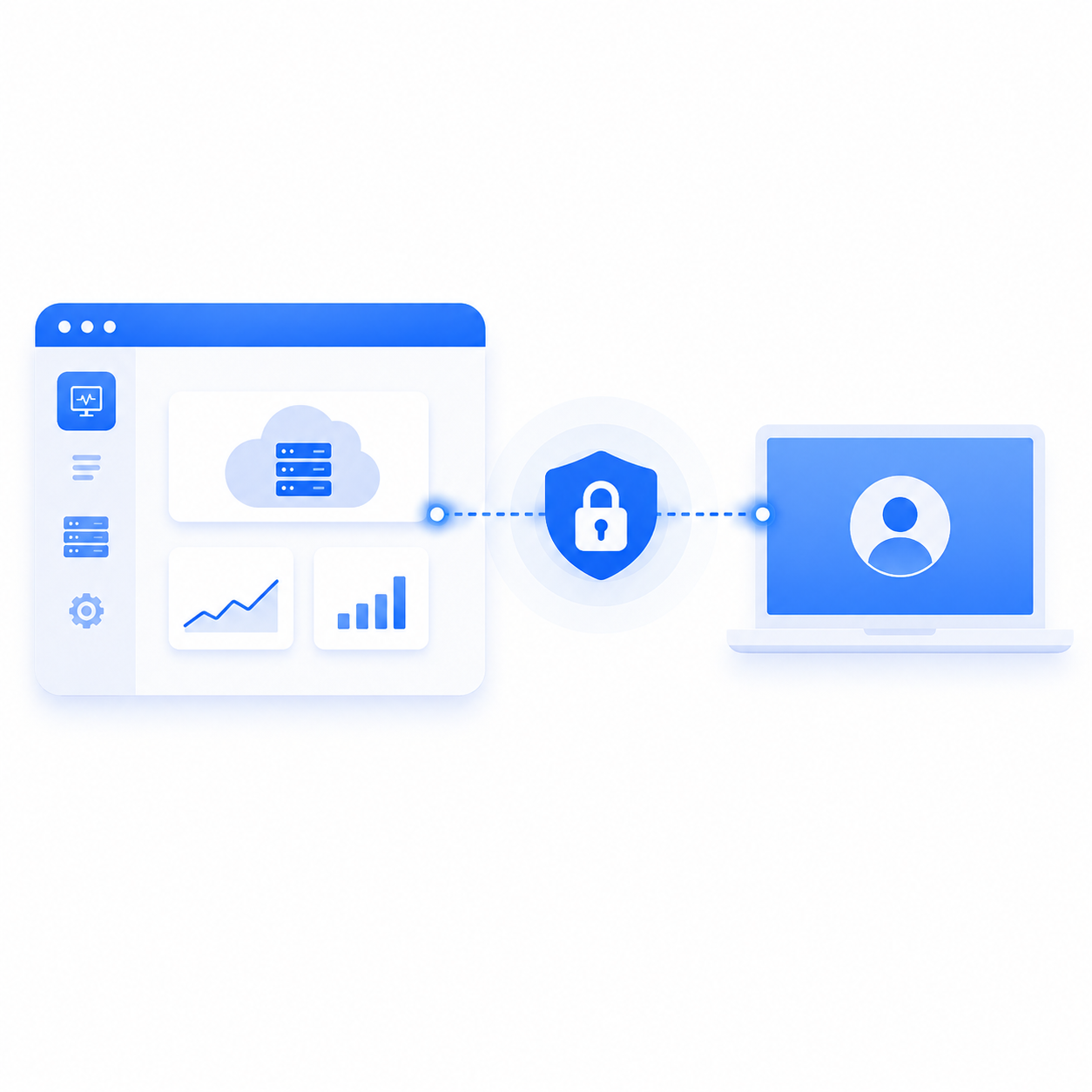
Until now SOSI governed remote hosts — RDP, SSH, VNC. But what people inside a company actually open every day is often something else entirely: a CRM, a ticketing system, a reporting back office, an internal wiki. Access to those systems usually sits outside every control you have. Who looked at what, and when, and what they downloaded, cannot be reconstructed afterwards — and if an outside vendor needs to use one, someone hands over the password.
SOSI 2.1 closes that gap.
BrowserApp: a controlled browser, not a host
Administrators can register an internal web system as a new type of device. Users who connect get a locked, full-screen browser session — no address bar, no tabs, no desktop, no other windows, just the target system.
The point is that the user's own machine never touches the target system. Every interaction happens inside a remote container, and only the screen comes back.
As far as SOSI is concerned this is an ordinary device, so recording, keystroke logging, audit trails, role permissions, and time-based access all apply unchanged. There is no second set of rules to maintain for web systems: your existing approval workflow and audit reports already cover them.
Nothing is left behind for the next person
The browser environment is completely reset both when a session starts and when it ends. The previous user's login state, browsing history, cache, and downloaded files are never carried over.
That removes the classic shared-environment risk: someone forgets to sign out, and the next person opens the system as them.
Signing in without the user knowing the password
Once the target site loads, SOSI fills in that user's credentials and submits the form. The user never needs to know or type the password.
More importantly, the password never enters the browser container. The container is exactly where the user can interact through the screen; putting a secret in its config or environment would place it where it does not belong. SOSI injects the value from outside to complete the form, so all the container is left holding is a login session that expires on its own — and the whole environment is wiped when the session ends.
If the target system authenticates against LDAP/AD, users can sign in automatically with the same credentials they use for SOSI, with no per-person credential to configure. For sites with an unusual layout, the username field, password field, and submit button can be specified in the device settings so automatic login still works.
One caveat: automatic login does not support two-step sign-in flows — the kind that asks for a username, then reveals the password field on a later screen (Google and Microsoft accounts work this way). On those sites SOSI safely skips the attempt; users can still sign in themselves, and every other control and the recording continue as normal.
Where it fits
- Vendor access to internal systems: the vendor can use the system without ever receiving the password, and the whole session is recorded.
- Back offices holding personal data: lookups in support, HR, and finance systems leave a full trail, with the watermark carrying both account and IP.
- Legacy systems with no SSO: central control and auditing without changing the system itself.
If you would like to see it in action, get in touch and we will arrange a demo.